
Quillo blog
How-to guides for Substack writers
Step-by-step walkthroughs of the things readers actually see: your subscribe form, your news archive, your landing page, and the workflow behind every issue you send.
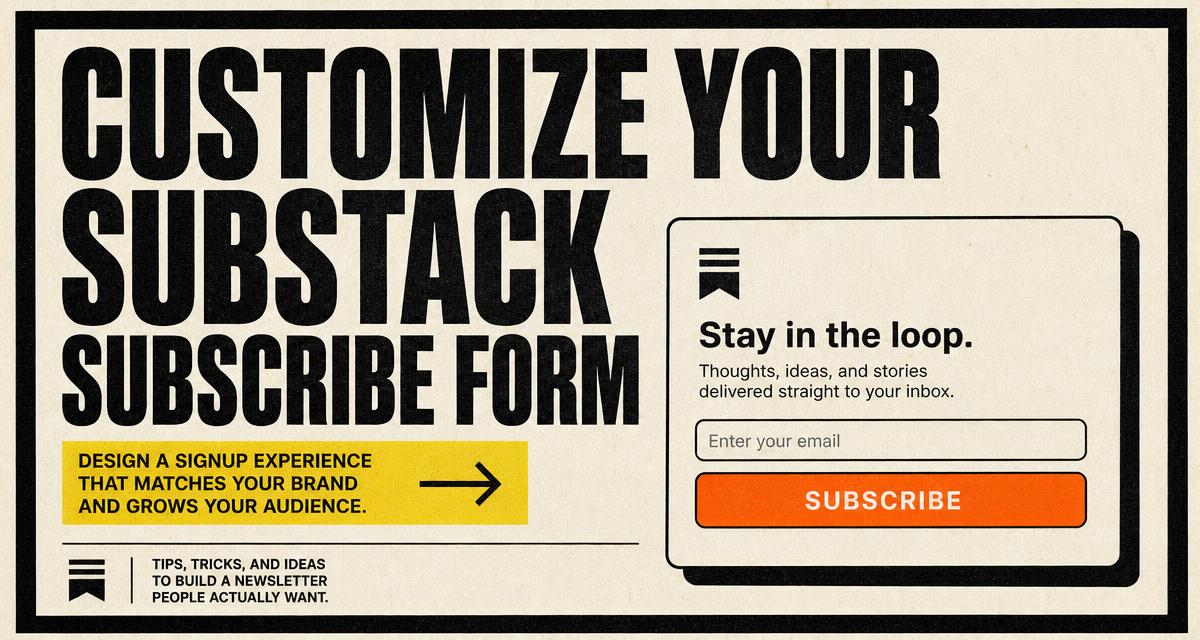
How to customize the default Substack subscribe form
Replace the default Substack embed with an on-brand subscribe form, keep every signup in Substack, and store entries you can export.
Read the guide
September 2, 2026
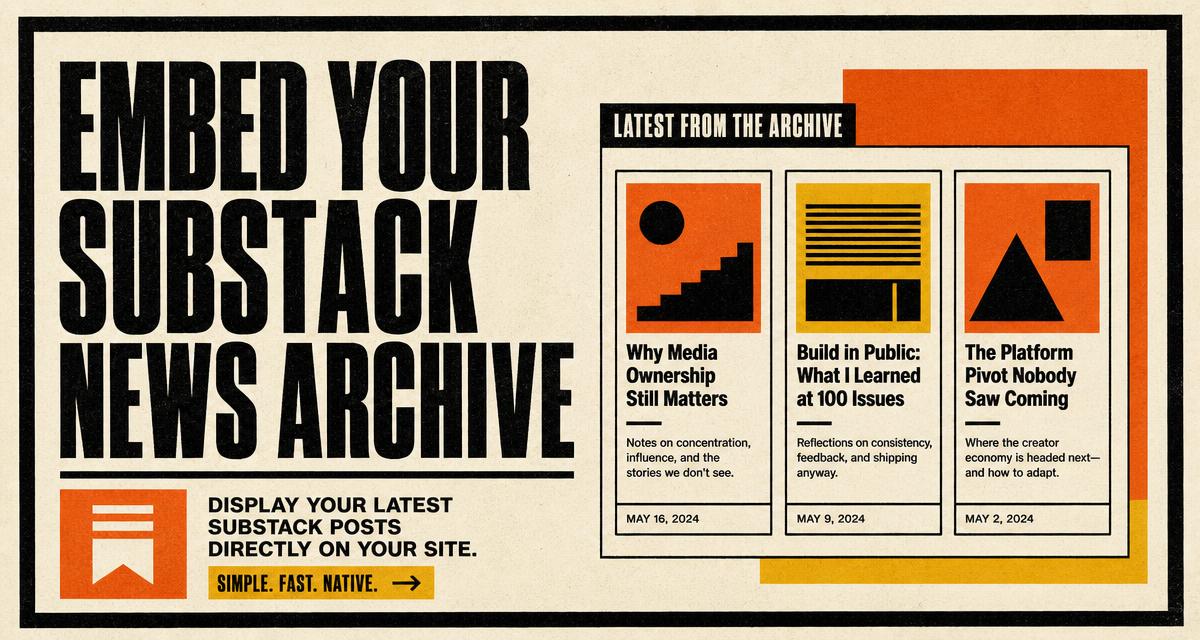
How to embed your Substack newsfeed as a news archive on any site
Show your latest Substack posts on your own site as a styled news archive, with layout, style and behaviour controls plus three embed methods.
September 2, 2026
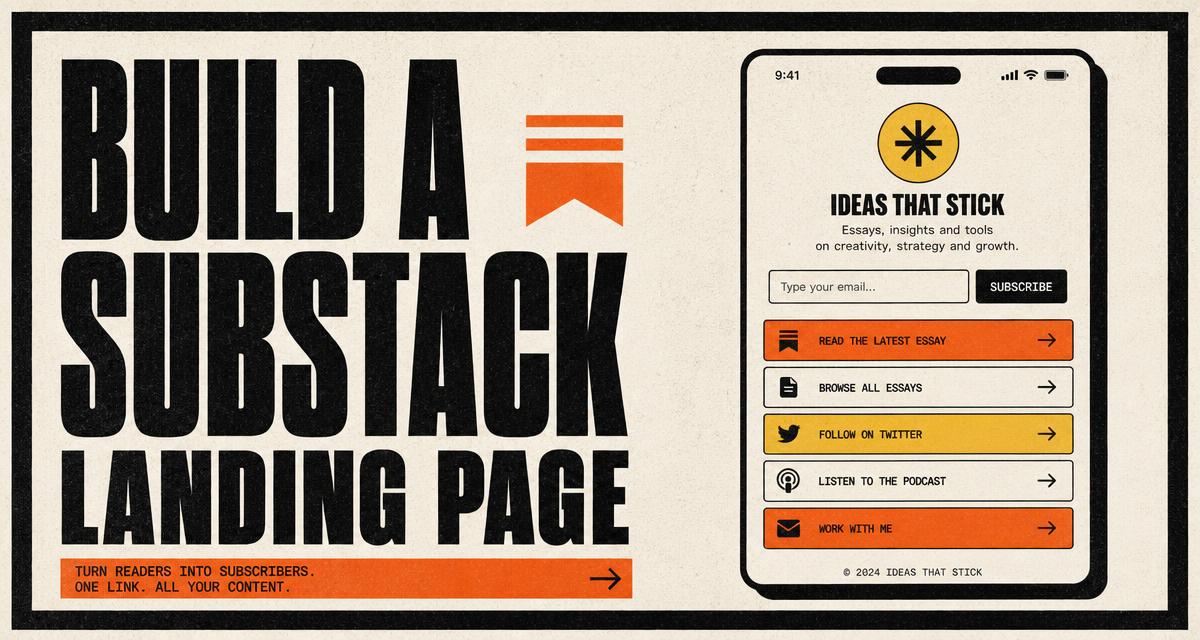
How to create a Substack landing page with a newsfeed, a subscribe form and link in bio
Build one page that shows your latest Substack posts, collects signups and holds your links, using seven templates and per block styling.
September 2, 2026
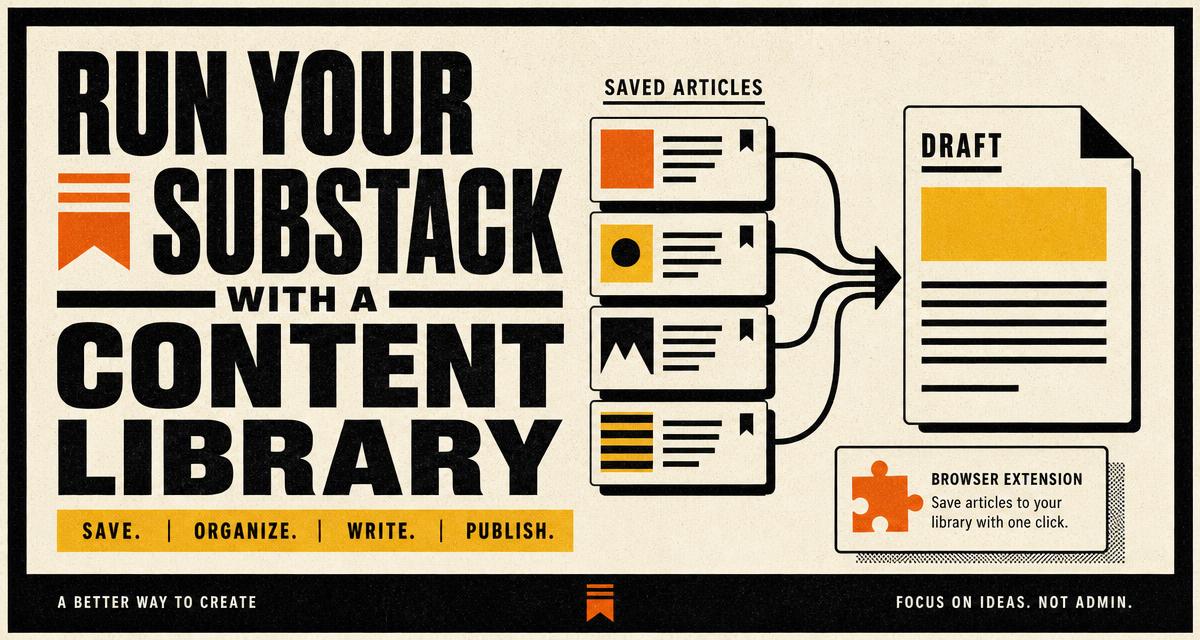
How anyone can run a Substack using the Quillo content library, drafting and scheduling
Collect sources, draft with your own AI key, then push, schedule or publish to Substack from one place. A full working loop, step by step.
September 2, 2026
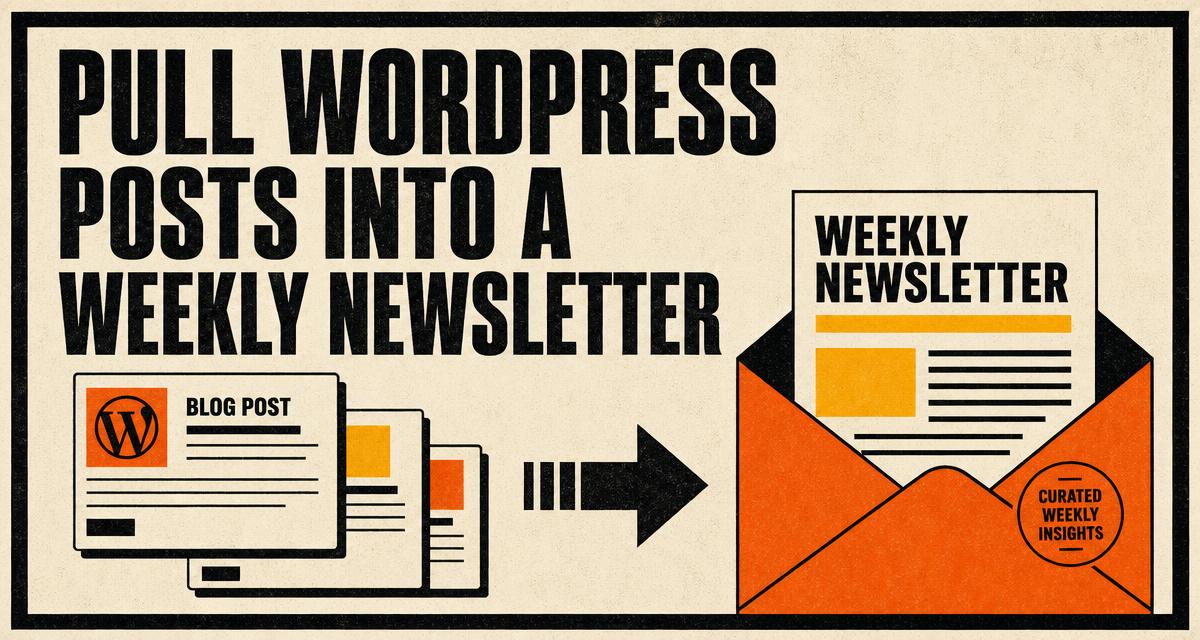
How to pull content from WordPress and run a weekly newsletter
Connect a WordPress site, pull posts into Quillo, edit a weekly roundup yourself, then push and schedule it to Substack.
September 2, 2026
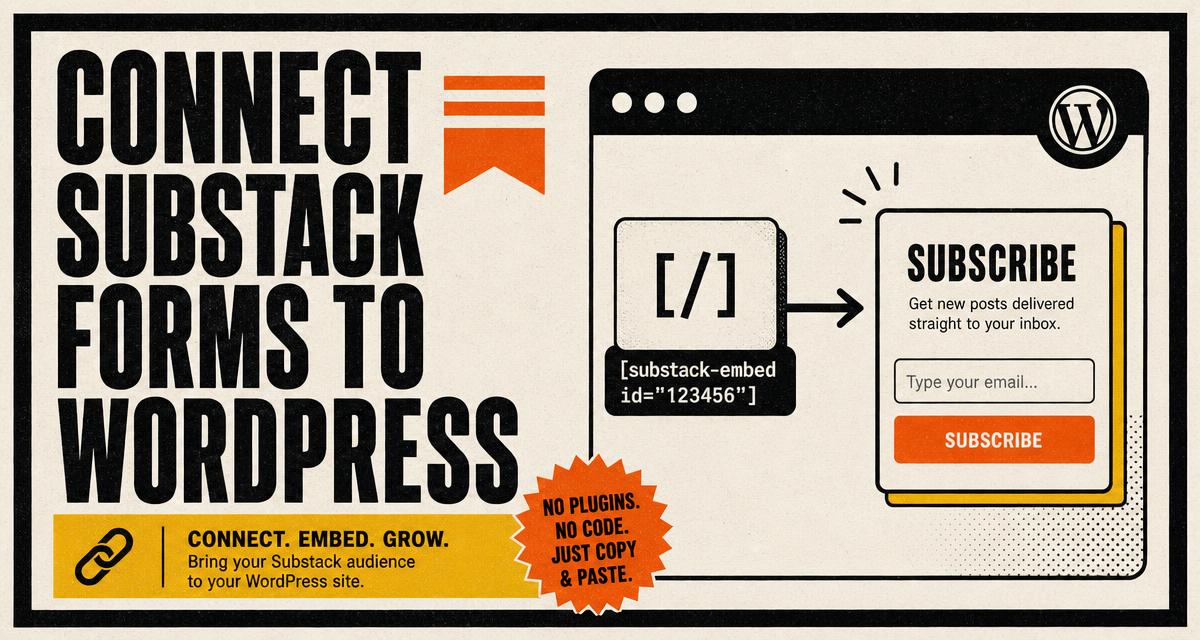
How to connect Substack subscribe forms and news archives to your WordPress site
Use Quillo shortcodes to place branded Substack subscribe forms and a post archive anywhere on WordPress, with no theme editing.
September 2, 2026
Ready to build the real thing?
The guides describe features you can set up today: branded subscribe forms, a news archive, a link in bio page, and a content library feeding your next issue.